SYNEX FRAME / RGB RAM

RGB memory.Presence in your setup.

Lighting that belongs in your build. Compare Synex RGB gaming RAM by capacity, speed, latency, and finish. Choose the look and check the specification sheet for compatibility.

Built for the Next Frame.

FIND YOUR MODEL

One lineup. Your style.

Compare published modules and check the part number to distinguish capacity, finish, and RGB version.

All memory →

CAPACITY / USE

8 GB or 16 GB per module?

Choose capacity for your games, open applications, and upgrade path. Two 8 GB modules provide 16 GB in total; one 16 GB module occupies one slot. Multi-channel operation depends on the platform and installation.

8 GB or 16 GB per module?
Check8 GB module16 GB module
UseCompatible upgrades and entry-level buildsMore capacity headroom for games and multitasking
Two matching modules16 GB total capacity32 GB total capacity
Before buyingCheck the capacity and modules already installedConfirm per-slot support and maximum motherboard capacity

CHOOSE WITH CLARITY

Appearance and compatibility, together.

01

Generation and connector

Check the DDR standard and form factor on the model's specification sheet. DDR4 and DDR5 have their own requirements and are not interchangeable.

Understand DDR4 and DDR5 →
02

Speed and latency

Compare speed and latency for the chosen part number. Operation depends on the motherboard, processor, and installed configuration.

Read the technical guide →
03

RGB lighting

RGB is a visual feature. Color control and synchronization depend on the support declared for each model; confirm those features with Synex before choosing software.

RGB or non-RGB →

BEFORE UPGRADING

Questions about RGB memory.

Does RGB lighting improve performance?

Lighting changes how the module looks. Capacity, DDR generation, speed, latency, and the platform determine memory operation. Compare the specifications of each model.

Do Onyx and Arctic finishes change capacity?

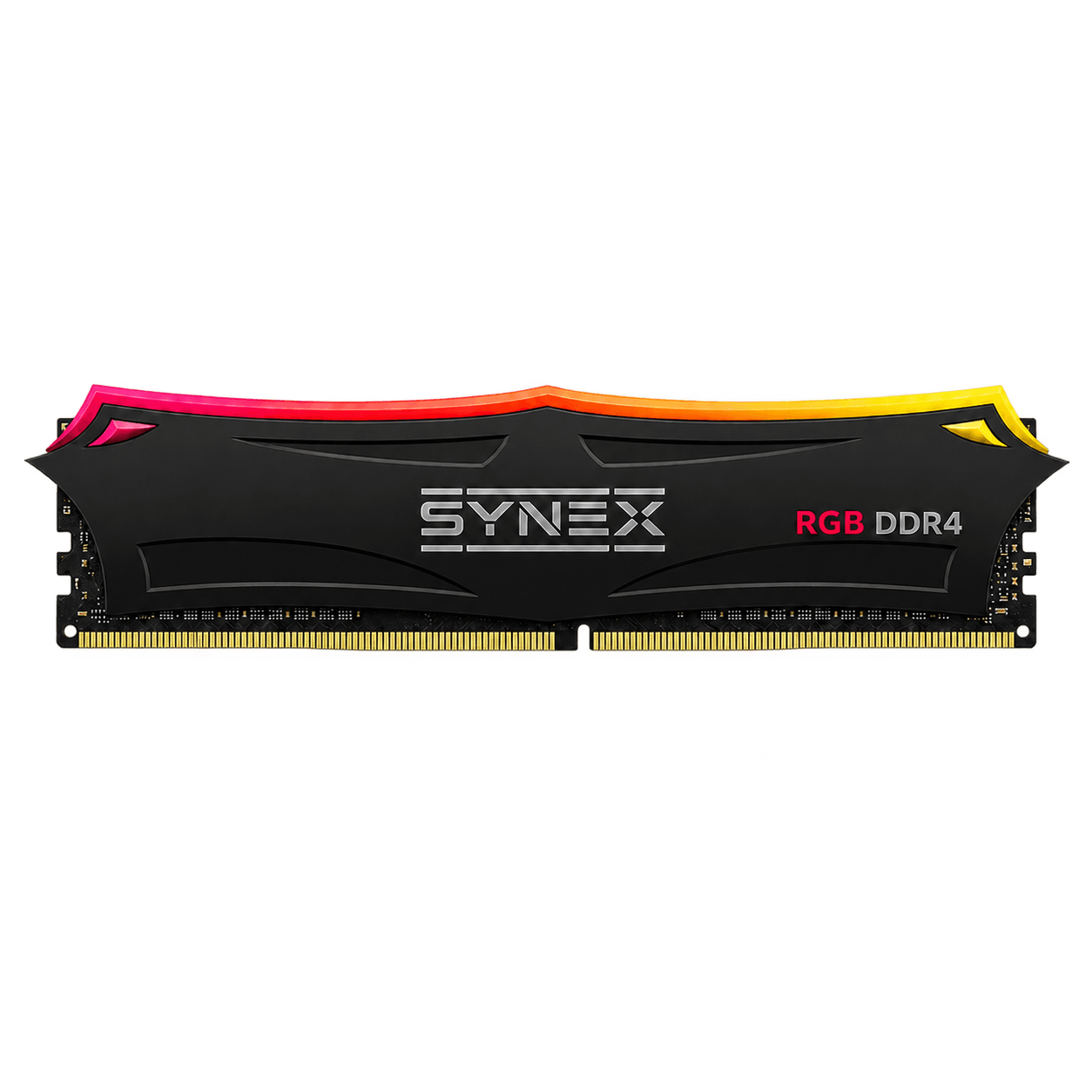
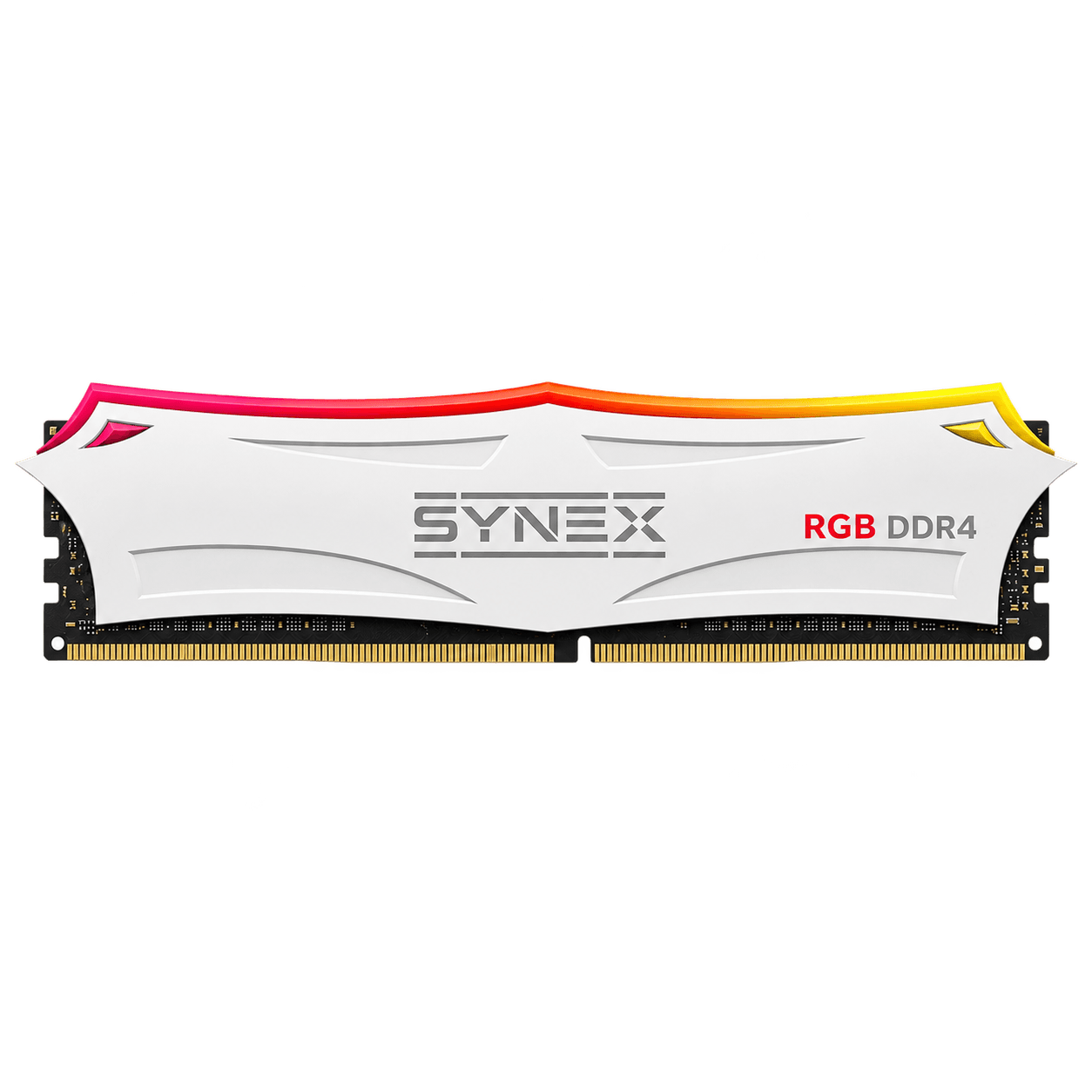
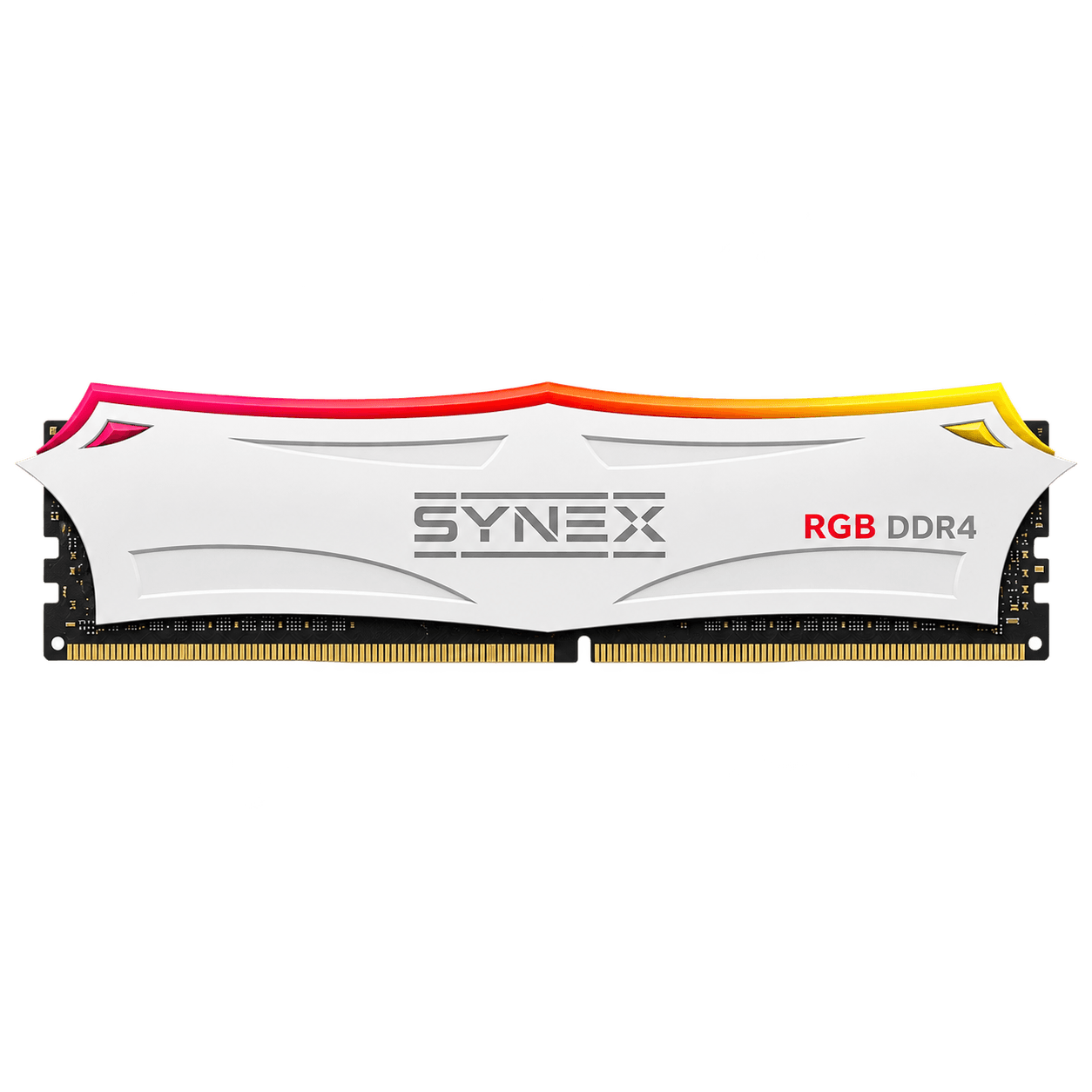
Onyx identifies the black finish and Arctic the white finish. Check capacity, speed, and latency using the part number and specification sheet; finish is not a substitute for those details.

Which software controls Synex memory RGB?

The control system depends on the model. Do not assume software or motherboard compatibility without confirmation. Give Synex support the part number to check the lighting features available.

Where can I check warranty and buy?

Each product page lists the Synex warranty and contact channels. Find retail partners on the Where to buy page and confirm the part number, price, and availability with the retailer.

SYNEX / NEXT FRAME

The next step starts with the specifications.

Check the model, compare the details, and find a Synex partner for your upgrade.

Chat on WhatsApp