
8 GB or 16 GB gaming memory
Compare the capacity that fits your games, multitasking, and upgrade path.
See comparison →Synex Frame DDR4 lineup
Explore Synex 8 GB and 16 GB DDR4 3200 MHz desktop UDIMMs, with or without RGB. Compare models and check motherboard compatibility before upgrading.
Gaming memory for PC
Beyond module appearance, compare capacity, speed, DDR generation, and compatibility. The Synex lineup includes options for shoppers comparing 8 GB or 16 GB gaming memory before upgrading.
Compare Synex models →Compare the capacity that fits your games, multitasking, and upgrade path.
See comparison →Understand speed, latency, and what the platform must support to use the module correctly.
Open technical guide →Review the connector, recommended slots, and basic precautions before installing desktop RAM.
View installation guide →Synex catalog
The published lineup consists of desktop DDR4 modules. Compare capacity, lighting, and finish, then open each model for specifications and where to buy.
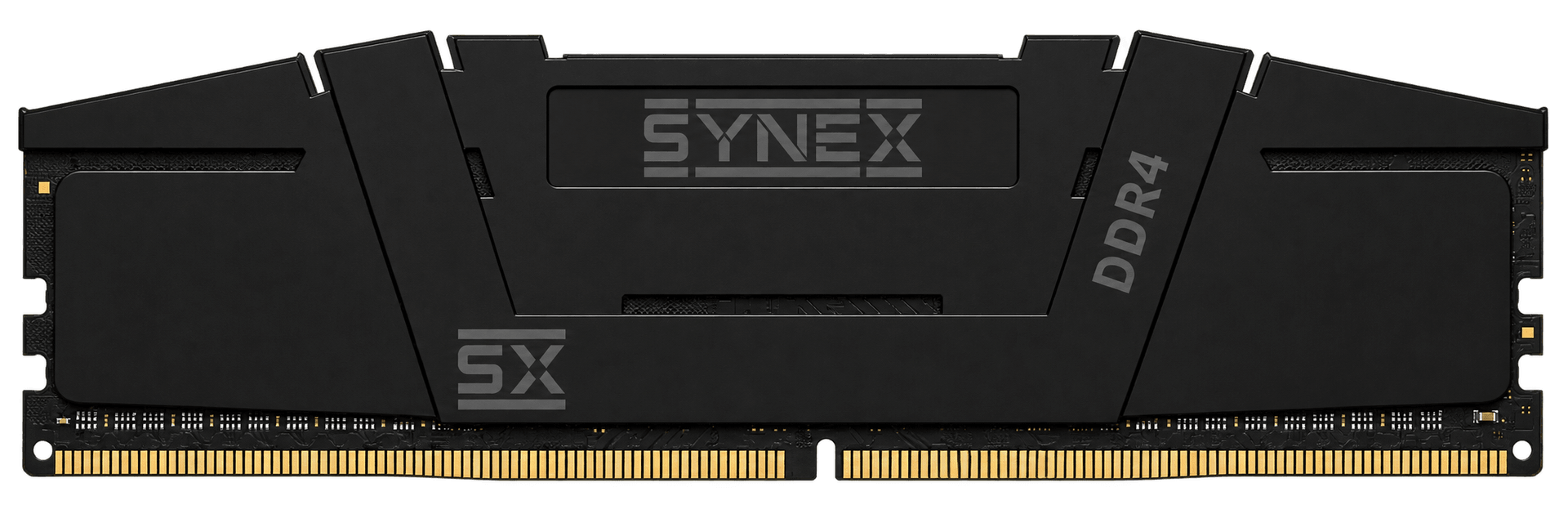
Synex 8GB DDR4 3200MHz CL22 desktop RAM with a black Onyx heat spreader and no RGB lighting. 288-pin UDIMM format and 1.2V voltage.
Specifications and downloads ↗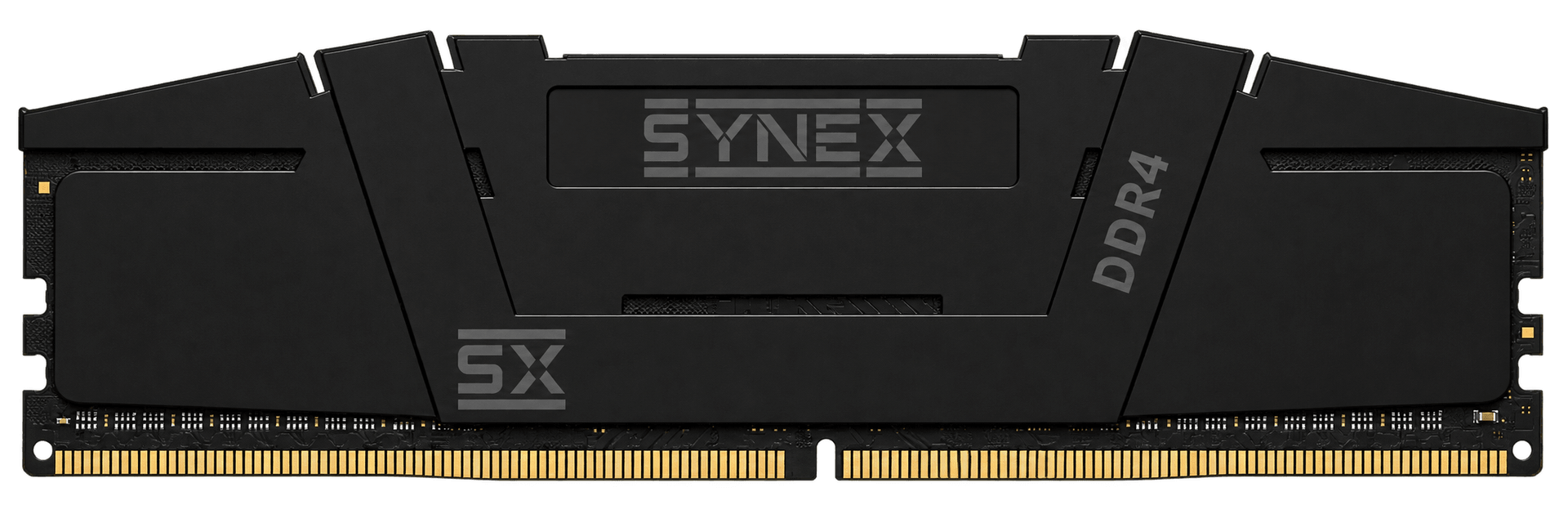
Synex 16GB DDR4 3200MHz CL22 desktop RAM with a black Onyx heat spreader and no RGB lighting. 288-pin UDIMM format and 1.2V voltage.
Specifications and downloads ↗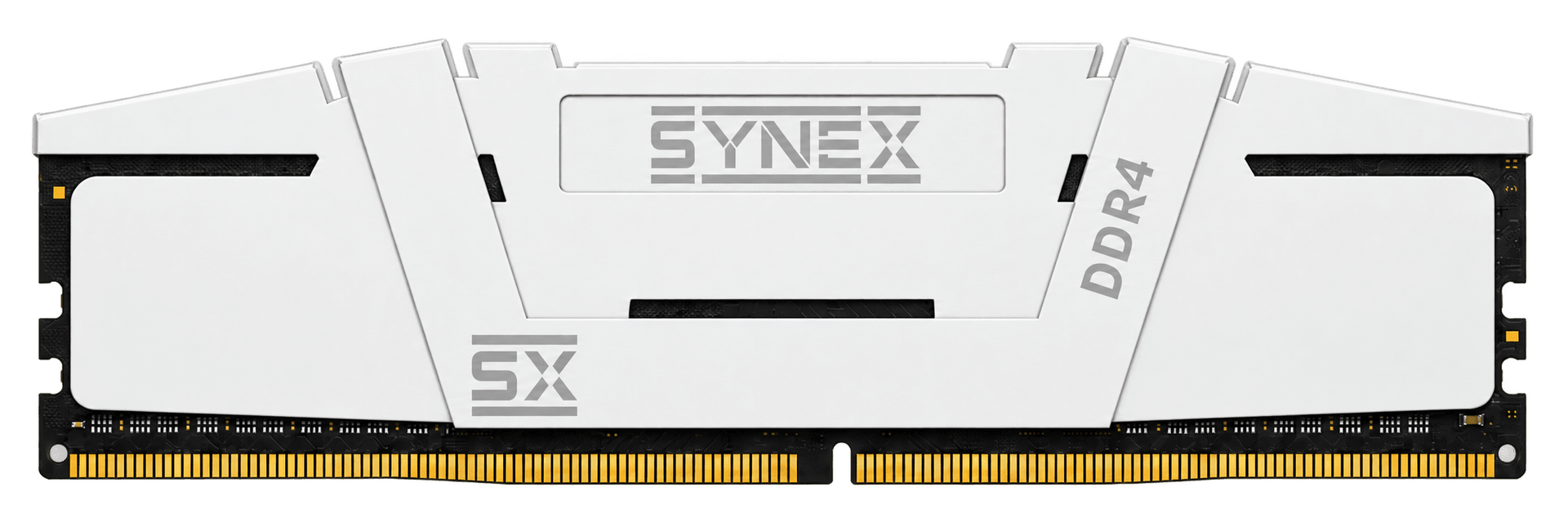
Synex 8GB DDR4 3200MHz CL22 desktop RAM with a white Arctic heat spreader and no RGB lighting. 288-pin UDIMM format and 1.2V voltage.
Specifications and downloads ↗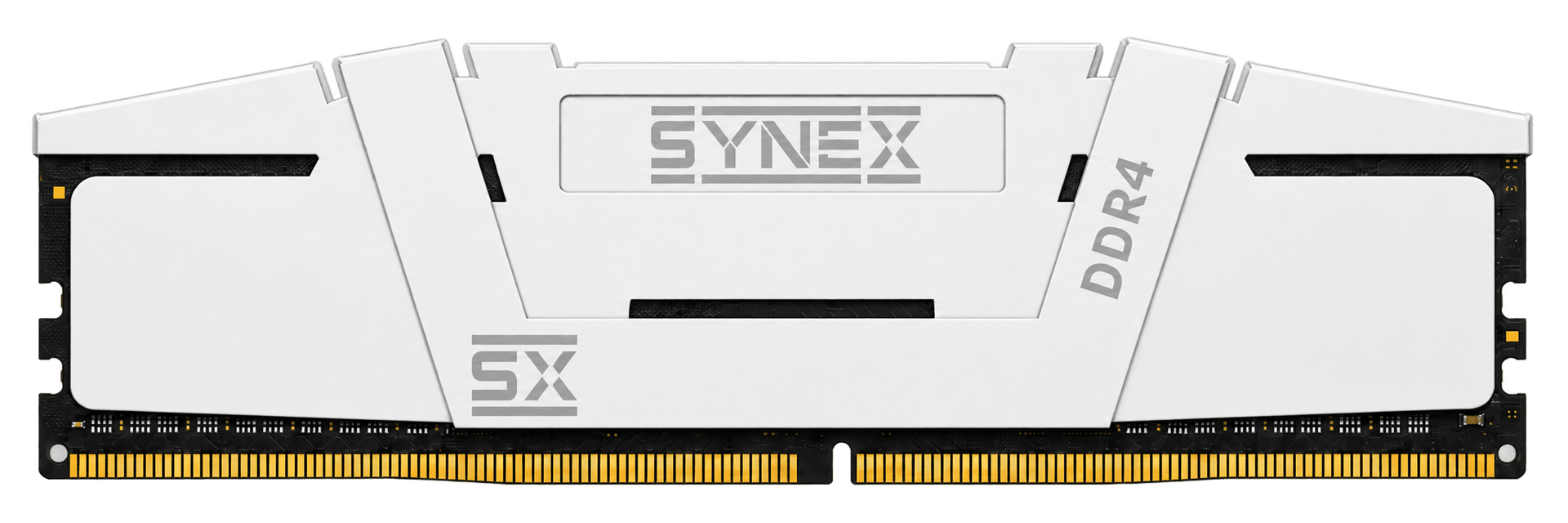
Synex 16GB DDR4 3200MHz CL22 desktop RAM with a white Arctic heat spreader and no RGB lighting. 288-pin UDIMM format and 1.2V voltage.
Specifications and downloads ↗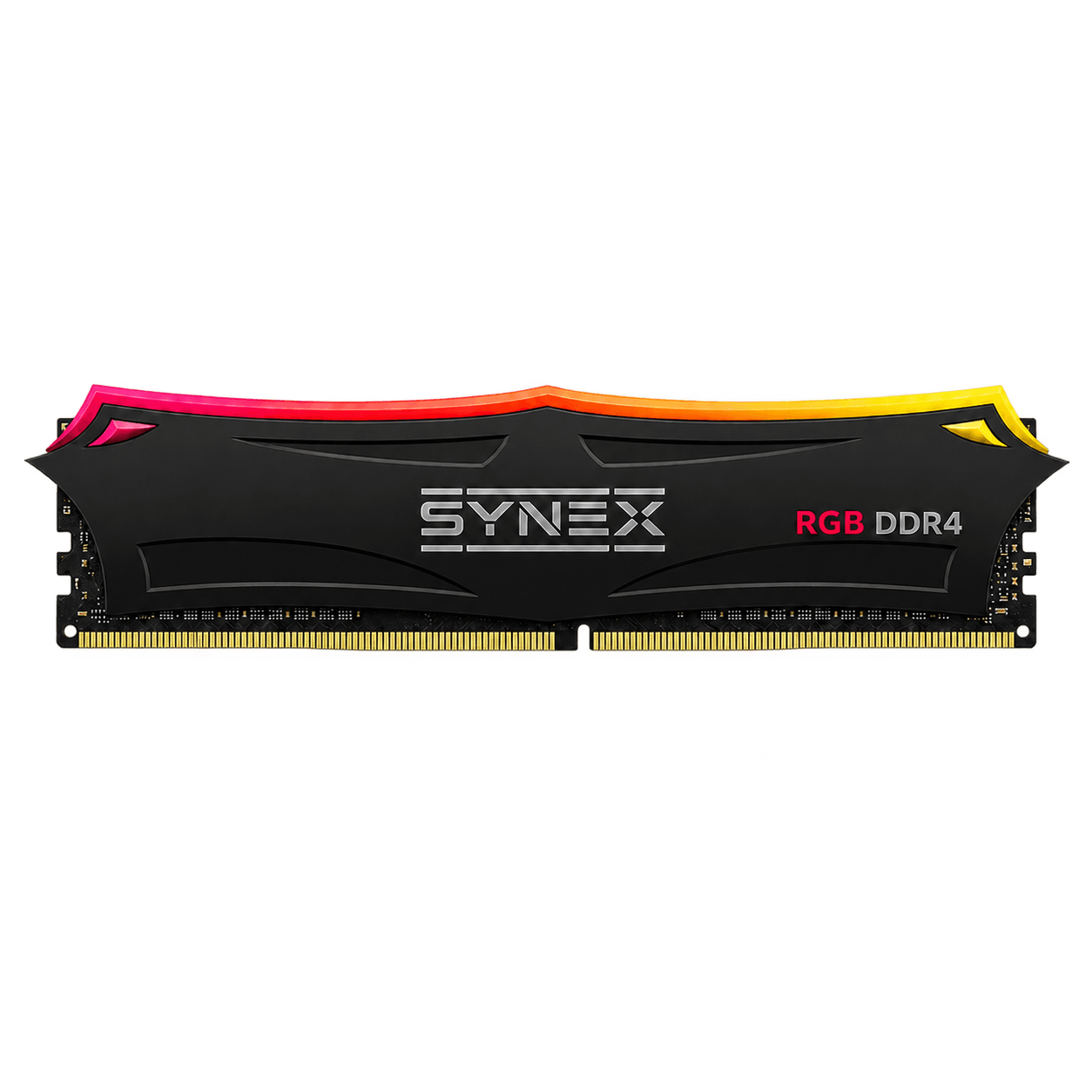
Synex 8GB DDR4 3200MHz CL22 desktop RAM with a black Onyx heat spreader and RGB lighting. 288-pin UDIMM format and 1.2V voltage.
Specifications and downloads ↗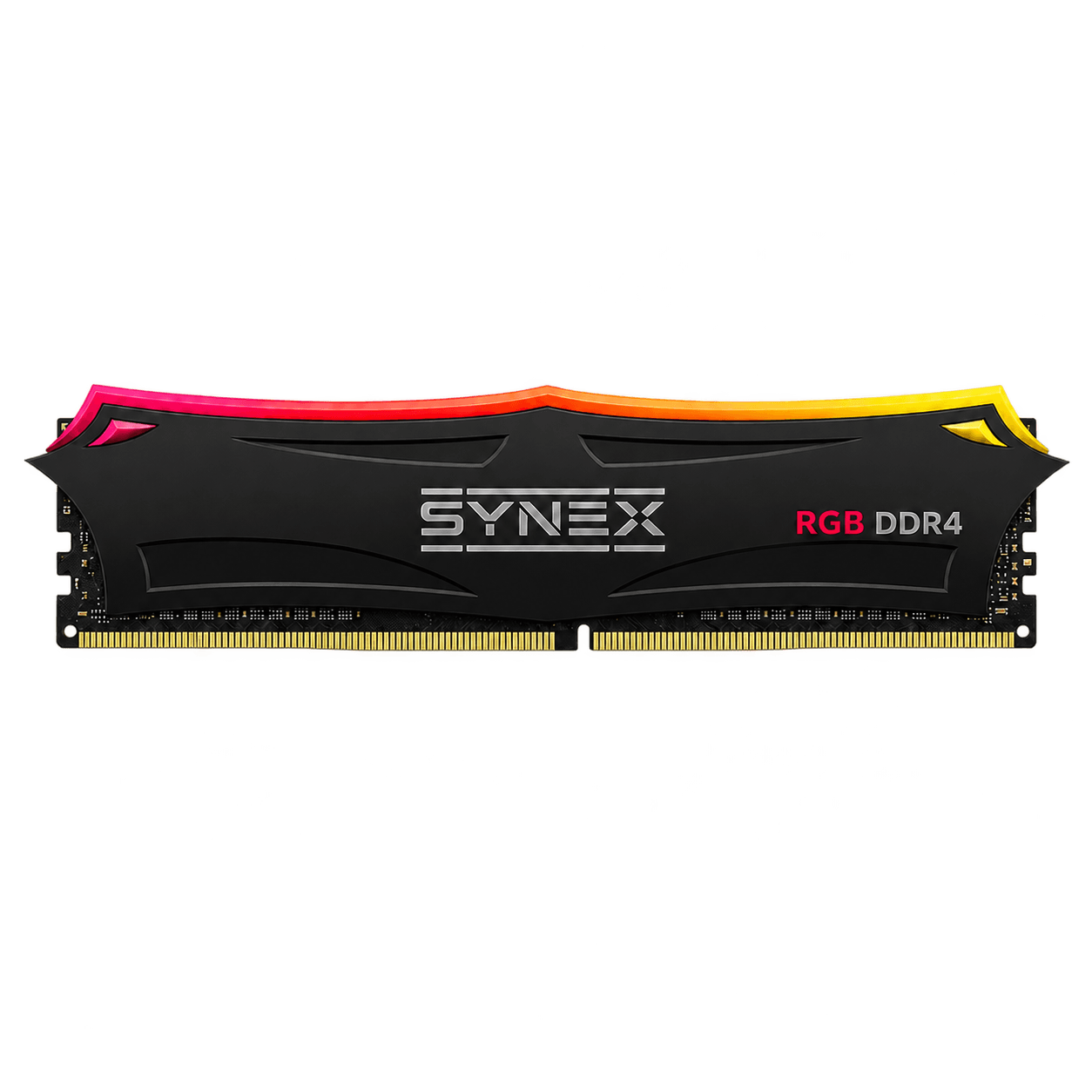
Synex 16GB DDR4 3200MHz CL22 desktop RAM with a black Onyx heat spreader and RGB lighting. 288-pin UDIMM format and 1.2V voltage.
Specifications and downloads ↗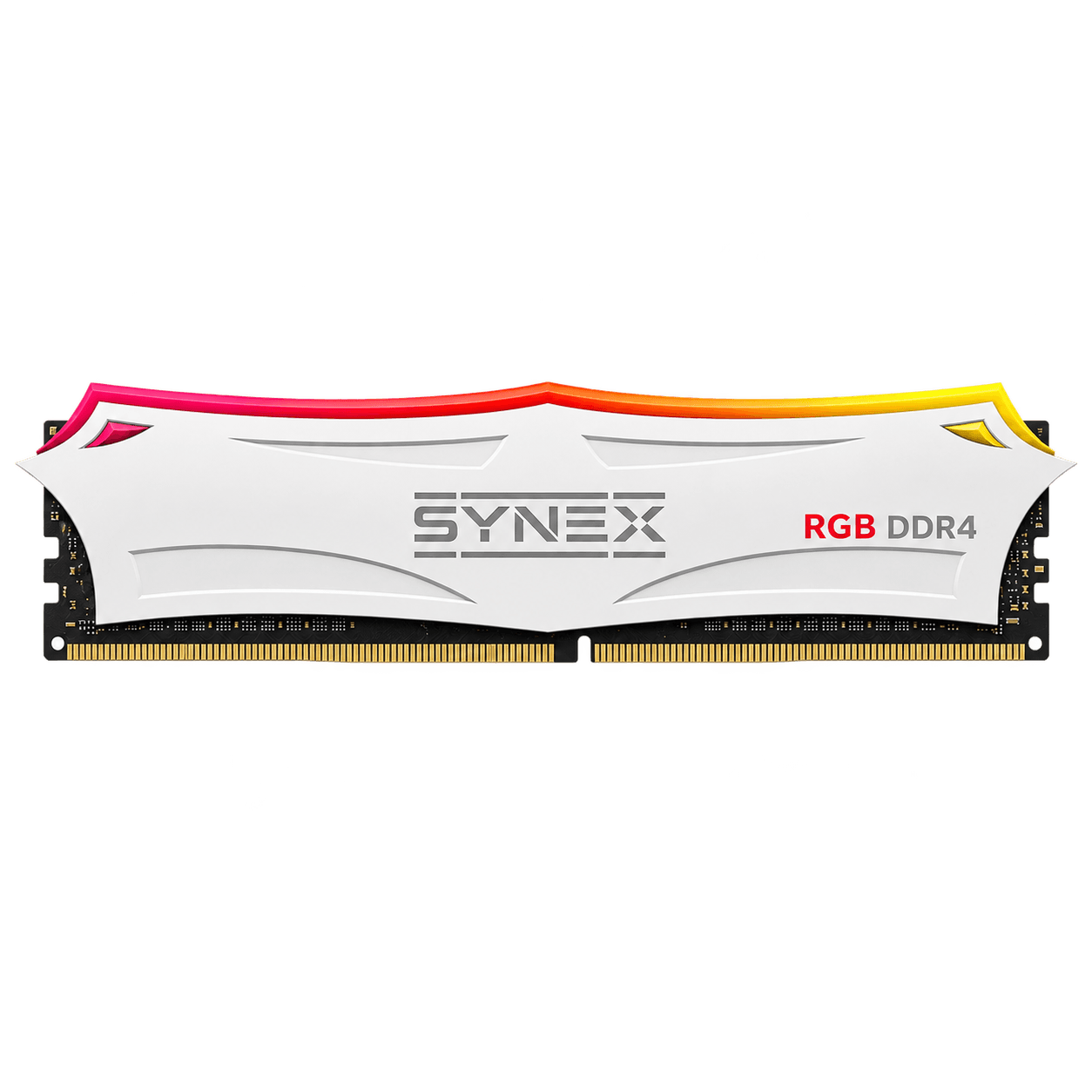
Synex 8GB DDR4 3200MHz CL22 desktop RAM with a white Arctic heat spreader and RGB lighting. 288-pin UDIMM format and 1.2V voltage.
Specifications and downloads ↗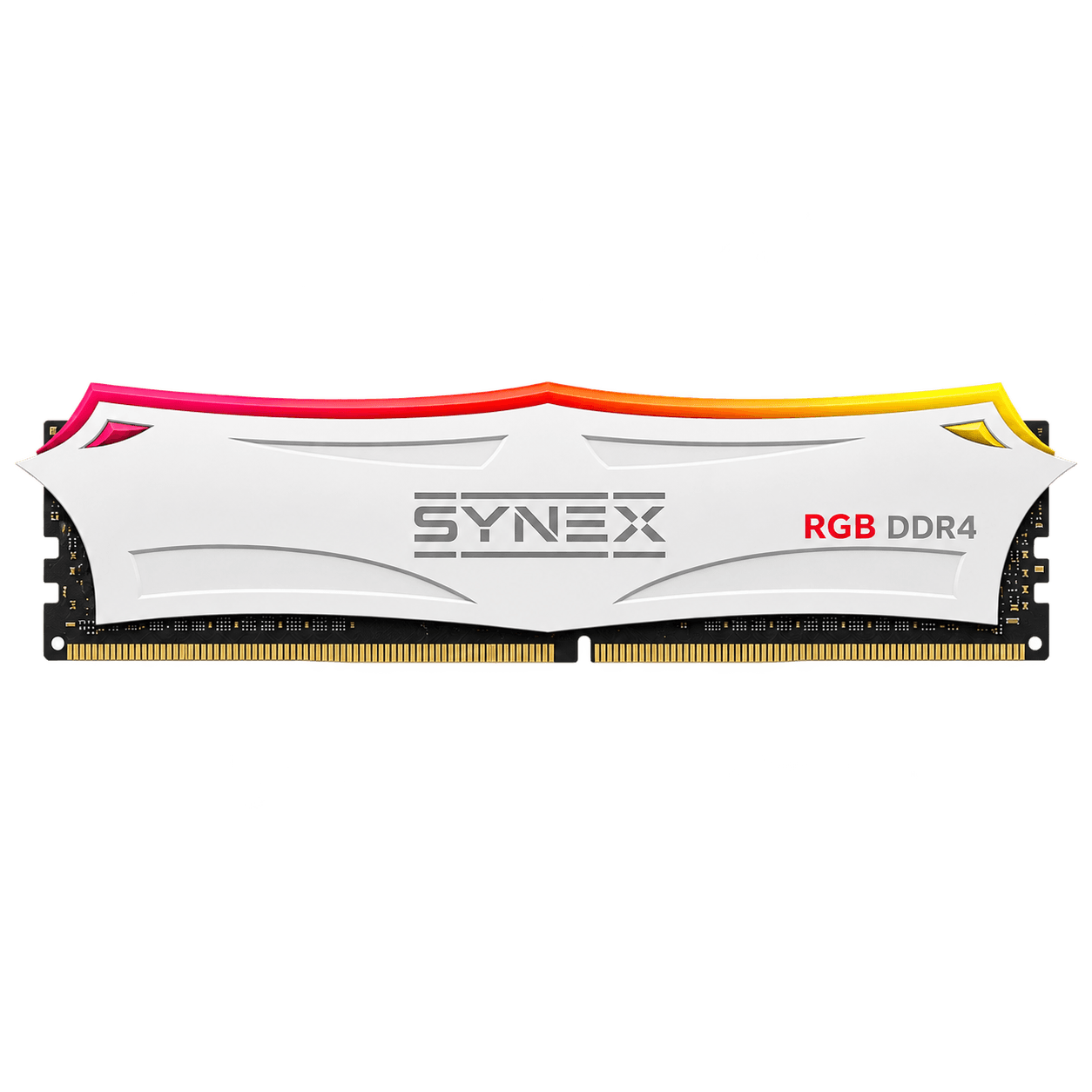
Synex 16GB DDR4 3200MHz CL22 desktop RAM with a white Arctic heat spreader and RGB lighting. 288-pin UDIMM format and 1.2V voltage.
Specifications and downloads ↗How to choose
The models on this page are desktop DDR4 UDIMMs. The guide below also explains DDR5 and SO-DIMM to help identify your system's requirements; those formats are not part of this lineup's current offering.
Read the complete technical guide →DDR4 and DDR5 are different standards and are not interchangeable. Check the motherboard manual and the generation supported by the processor.
Consider the games and applications you run together. 16 GB suits many builds; 32 GB provides more room for streaming, creation, and heavy multitasking.
Desktops normally use DIMMs, while laptops use SO-DIMMs. Their dimensions and connectors are different.
Check the speed supported by the platform and available memory profiles. The result depends on the complete system, not one isolated number.
DDR4 or DDR5
Synex knowledge base
Original articles that connect specifications, installation, and real-world use.
Learn how to choose DDR4 or DDR5 gaming RAM based on compatibility, capacity, speed, latency, form factor, and memory channels.
Read guide ↗02 / 6-minute readCompare 8GB and 16GB RAM for gaming, study, work, and upgrades, including compatibility and expansion guidance.
Read guide ↗03 / 7-minute readUnderstand DDR4, 3200MHz, and CL22 and learn how to confirm compatibility before buying gaming RAM.
Read guide ↗04 / 5-minute readCompare RGB and non-RGB gaming memory and understand differences in lighting, power, compatibility, dimensions, and performance.
Read guide ↗Frequently asked questions
It depends on the games, operating system, and open applications. 16 GB is a common starting point; 32 GB gives more headroom for demanding games, streaming, and creation. Always check software requirements.
No. DDR4 and DDR5 have different connectors, signaling, and electrical requirements. Memory must match the generation supported by the motherboard and processor.
On compatible platforms, two modules can enable multi-channel operation and increase bandwidth. Follow the motherboard manual for the correct slots.
Usually not. Laptops use SO-DIMMs and desktops use DIMMs, which are physically different. Confirm the form factor required by the device.
Gaming memory is RAM selected for games and demanding workloads based on capacity, DDR generation, speed, latency, and compatibility. Heat spreaders and RGB lighting can change the appearance, but matching the platform remains essential.
The right capacity depends on the computer and the applications in use. An 8 GB module can suit entry-level builds and compatible expansions, while 16 GB provides more room for current games and multitasking. Also check available slots and motherboard support.