
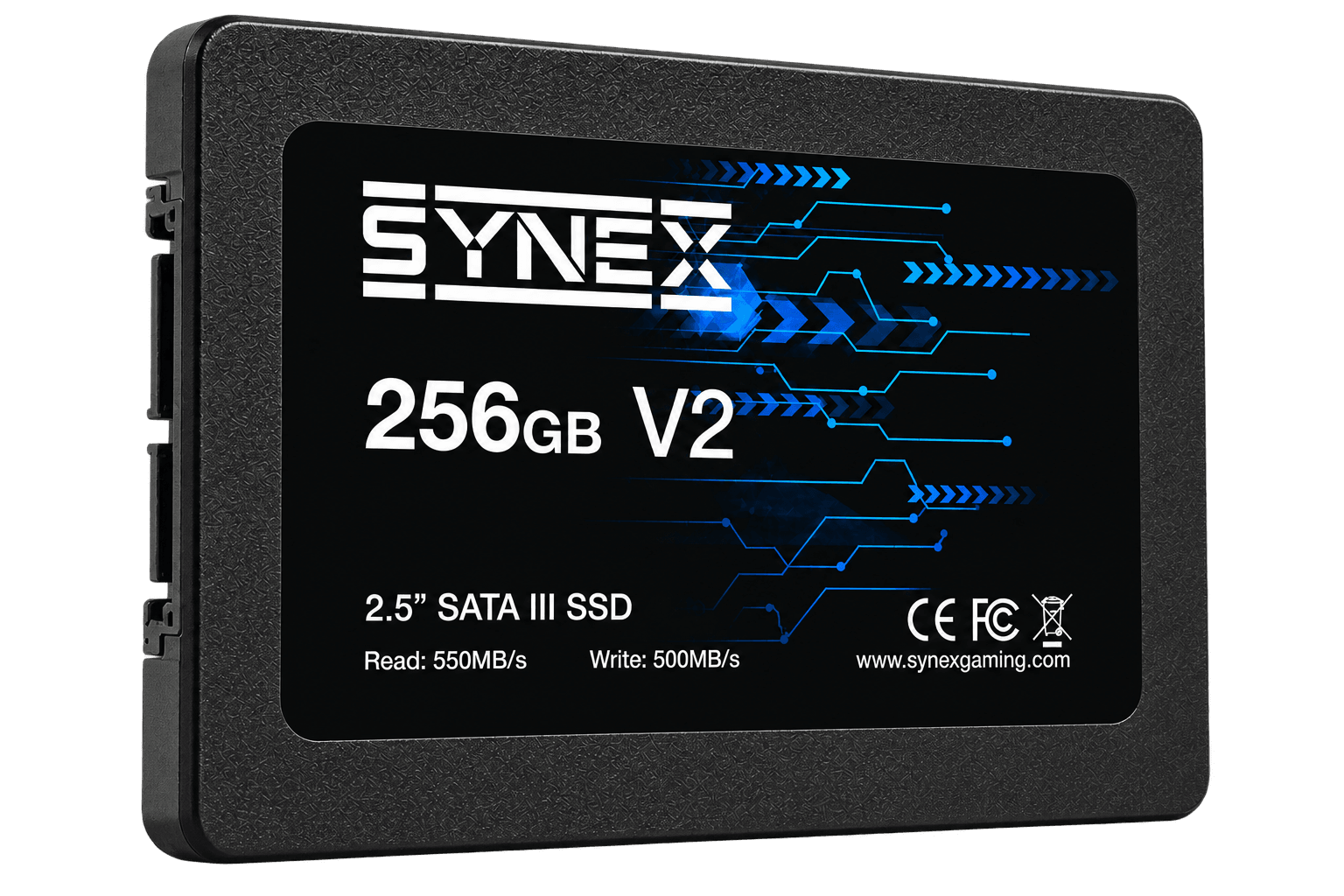
SATA SSD / SX-SSD25-256-S3-V2
Synex V2 256GB SATA III SSD
256GB SATA III SSD with sequential read speeds up to 550MB/s and sequential write speeds up to 500MB/s.
Specifications and downloads ↗Synex guide and lineup
Compare SATA and NVMe SSDs, understand form factors, interfaces, and capacities, and choose compatible storage that reduces waiting in everyday gaming PC use.
Synex catalog
Browse published models, compare specifications, and download the complete media kit for each Synex SSD.
256GB SATA III SSD with sequential read speeds up to 550MB/s and sequential write speeds up to 500MB/s.
Specifications and downloads ↗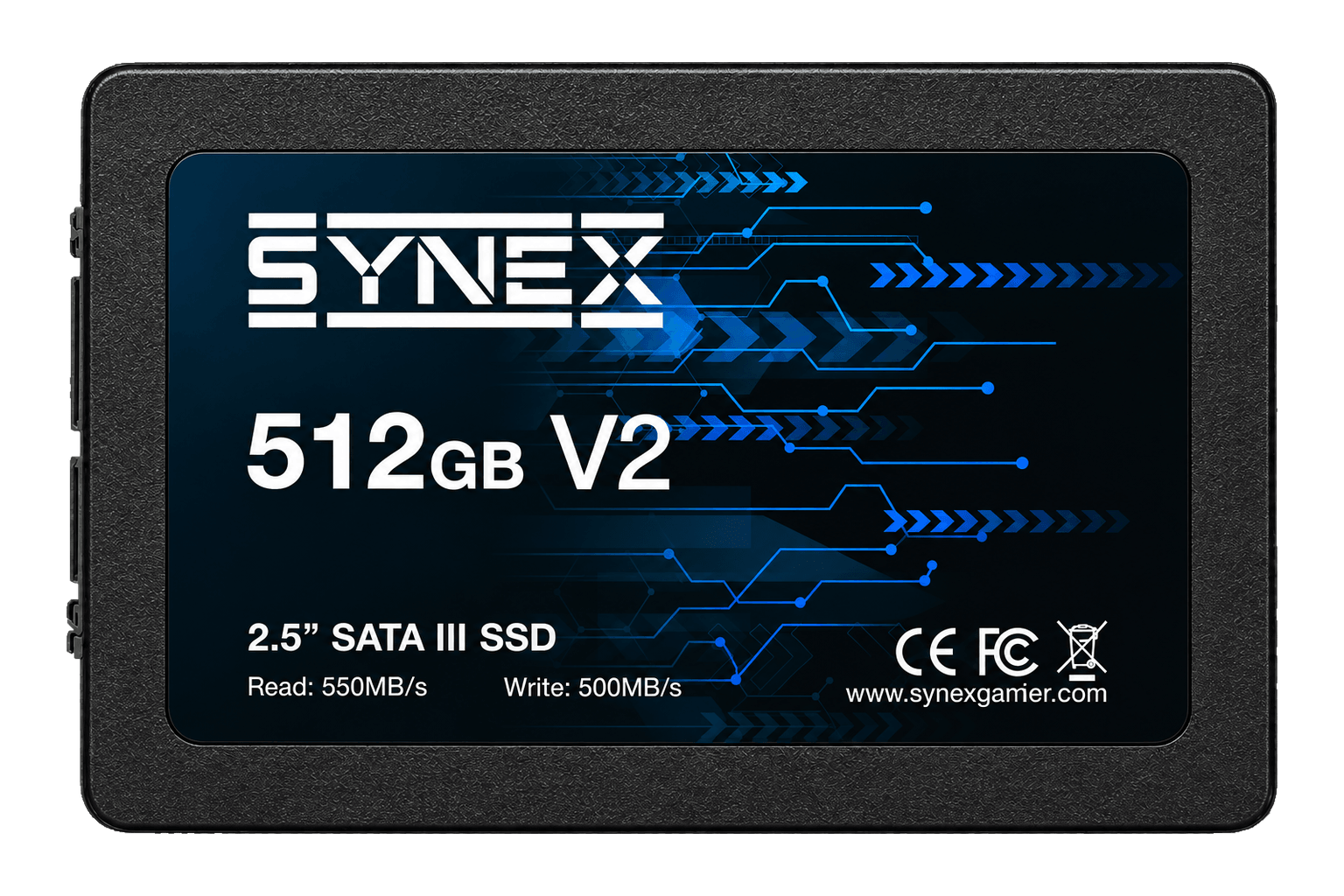
512GB SATA III SSD with sequential read speeds up to 550MB/s and sequential write speeds up to 500MB/s.
Specifications and downloads ↗How to choose
Speed matters, but compatibility, capacity, and real use define the right upgrade. Review the essentials.
Read the complete technical guide →Confirm whether the computer supports 2.5-inch SATA, M.2 SATA, or M.2 NVMe PCIe. An M.2 connector does not guarantee support for every protocol.
2.5-inch SATA SSDs use data and power cables. M.2 models connect directly to the motherboard and can have different lengths, such as 2280.
Account for the operating system, applications, and game library. Keep free space for updates, temporary files, and future growth.
For NVMe SSDs, check the PCIe generation and lanes supported. High-performance builds may also need suitable airflow or a compatible heatsink.
SATA or NVMe
Synex knowledge base
Original articles that connect specifications, installation, and real-world use.
Compare SATA and NVMe gaming SSDs and understand their connection, form factor, speed, compatibility, temperature, and real-world differences.
Read guide ↗02 / 8-minute readA compatibility checklist for choosing an NVMe SSD: PCIe generation, lanes, M.2 size, capacity, performance, temperature, and installation.
Read guide ↗03 / 6-minute readLearn when a 256GB SSD makes sense and how to plan space for the system, applications, games, updates, and files.
Read guide ↗Frequently asked questions
The main gains are usually shorter loading times, faster startup, and better system responsiveness. Average FPS depends mostly on the processor and graphics card, although some games can benefit from faster data access.
No. M.2 describes the physical form factor; a drive can use SATA or PCIe/NVMe. Check the motherboard manual and SSD specification.
Many PCIe generations are backward compatible, but performance is limited by the platform. Confirm the generation, available lanes, and manufacturer restrictions.
It depends on the model, airflow, and workload. Some SSDs and motherboards already include a thermal solution; follow manufacturer guidance and avoid incompatible heatsinks.